Home › Blog › Automatic newsletter summaries: how to clean up your inbox
How to choose
Automatic newsletter summaries: how to clean up your inbox
Published on November 2, 2026 · 7 min read · Proofite
The trouble with inbox zero: it's never within reach
Your inbox is full of newsletters that promise value and end up eating space and attention. The problem isn't reading less; it's restoring order and priority to your email. An automatic newsletter summary turns subscriptions and updates into a daily briefing, so your inbox goes back to being a priority channel and you get time back for actual decisions.
Behind many inbox zero “strategies” lies a misunderstanding: email is used at the same time for operational messages and for editorial content that takes time and needs comparing across sources. Platforms like Substack are evolving from simple newsletter tools into full-blown publishing ecosystems[Noetica], and the content we receive is getting more complex as a result. When everything lands in the same place, the inbox loses its role as a priority filter and becomes a jumbled archive. At Proofite we start from one simple move: separating urgent communication from material to read at leisure.
A look at the numbers on email in Italy
To grasp the size of the problem, the 2026 data is enough. In Italy the average email open rate is 44.38%, among the top 10 worldwide[GetResponse]. That means email is a channel that's very much alive, but also an incredibly crowded one. The first hour after sending is crucial: almost 19% of all opens happen in that window[GetResponse], a sign of constant pressure to “keep up” the moment a notification lands.
The pile-up of unread newsletters
The problem blows up in the morning: daily and weekly sends, recaps, alerts, sponsors. Every subscription starts out as a way to stay informed, but without email consolidation it does the opposite: more opens, more choices, more backlog.
The pile-up comes down to three concrete factors. The first is volume: if you follow several topics, the sends add up even when every single newsletter “makes sense”. The second is scattered formats: long texts, previews, external links and promotional blocks force you to filter by hand. The third is the lack of a single routine: newsletters arrive at different times, but your time stays limited.
The result: more subscriptions don't mean more useful information; they often mean more noise. We measured it on 4 real digests: 10 stories out of 37, or 27%, had already been read elsewhere. In a 30-minute routine that's 8 minutes a day lost on repeats, 10 if you count sponsored content as well. If you follow newsletters, RSS feeds and web searches together, the loss becomes structural.
At that point, cleaning up your inbox becomes the fastest way to give email back its original role: the communication that calls for a reply or a decision.
The guilt of leaving things unread
As the backlog grows, the heaviest side effect kicks in: guilt. Unread newsletters become a constant reminder of something you “should have” kept up with. It isn't just digital clutter: it's mental pressure.
The feeling is made worse by a recently studied phenomenon known as “AI brain fry”: the mental fatigue of people who use, and have to keep an eye on, too many artificial intelligence tools[Zemith]. Managing the tools themselves becomes extra work on top of backlog anxiety.
That's where the shortcuts that don't work begin: you open messages just to get them out of the way, file them in folders you'll never open again, or put them off until a calmer morning. An automatic newsletter summary exists to break that cycle. It doesn't make you read more: it stops you treating every send as if it carried the same weight.
With a system that selects and summarizes, you don't lose the content: you change how you access it. Instead of a stack of emails, you get a digest that cuts the volume and puts priorities in order. The AI doesn't replace your judgment; it removes the prep work that eats your time and attention.
We apply this logic by moving sources out of your personal mailbox and into dedicated topic inboxes. Every item in the digest carries the name of the publication or author and a link to the original source, so you can always check for yourself. Less pressure, more control.
Software for consolidating your newsletters
If the problem is structural, the solution has to be structural too. Tidying up your email isn't enough: the real job is turning scattered content into an output you can consume in a few minutes, without losing the option to dig deeper.
In our model, sources flow into dedicated inboxes; the AI reads them every morning and builds a personal briefing you can read or listen to: not another place to pile things up, but a system that consolidates and makes them usable. The How it works page walks through the steps from sources to daily digest.
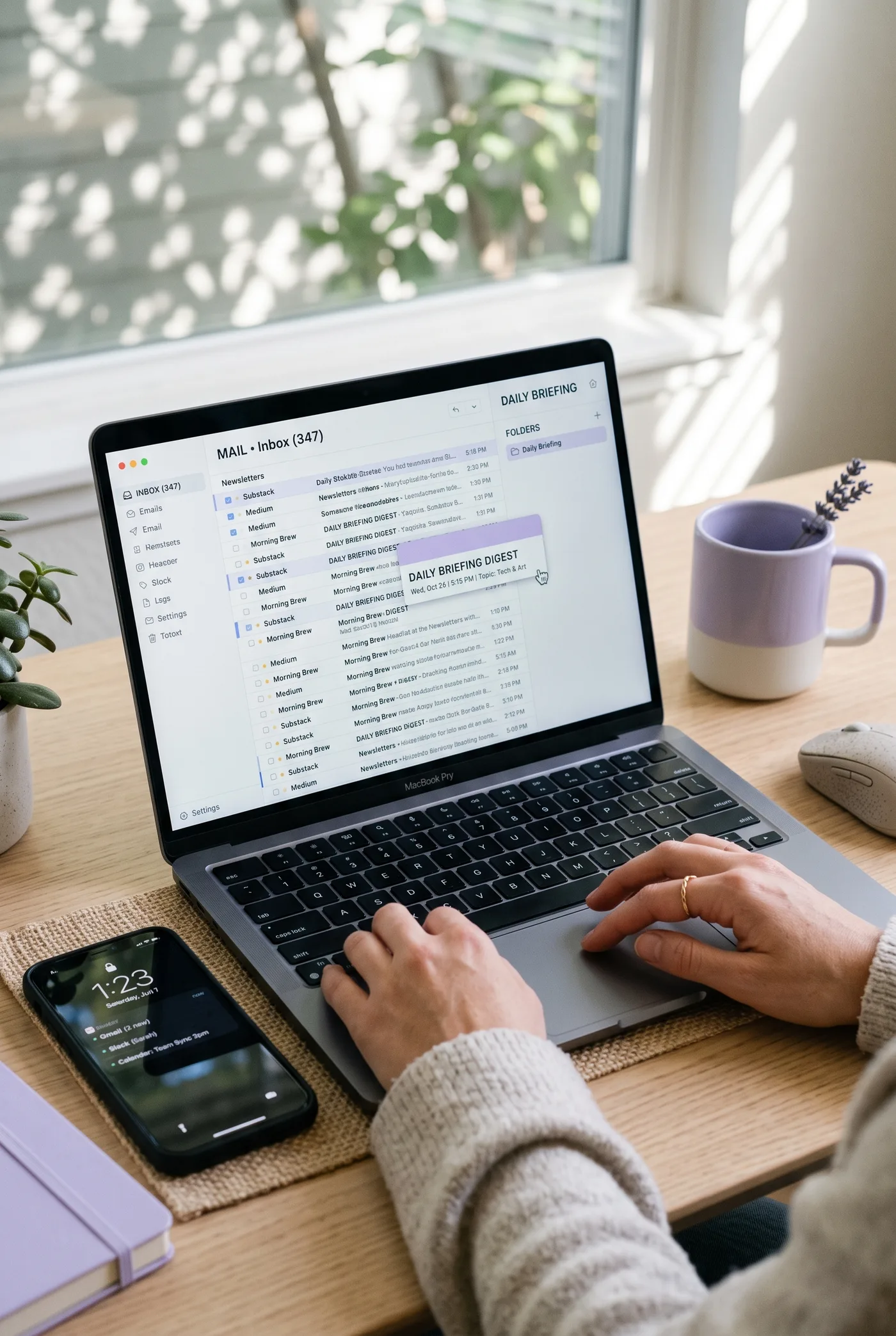
Gathering your emails into one daily briefing
The most immediate practical benefit is a single point of access. Instead of opening ten newsletters, you check one briefing. Instead of remembering what to read, you find a ready-made selection. And your inbox can breathe again.
The flow is simple: you create an inbox for each topic, with its own email address, subscribe it to newsletters and Substack publications, and add RSS feeds and web searches. The first briefing arrives within minutes, then every morning at the time you choose. Estimated reading time is five minutes; alternatively, the same digest can be listened to as a podcast.
In practice, four things happen: you open fewer emails because everything is consolidated; duplicates are left out; personalization improves through per-story feedback (for example “more technical” or “mute”); and the routine becomes sustainable because you can pause and pick up again without losing the thread.
This is where inbox cleanup stops being theory. If you move subscriptions out of your personal mailbox, the important emails become visible again. And the same principle behind a personalized news digest works with newsletters too: concentrate the essentials in a short format, ready to use.
If you'd rather listen, a few numbers give some context: according to ANSA, 36% of Italians listen to podcasts; Ipsos finds that 41% of people aged 16 to 60 listened to one in the last month, with an audience described as younger (42% under 35) and highly educated (29% graduates). A briefing you can listen to is a way to “fit” staying informed into your day, with no screen.
Extracting only the key ideas with artificial intelligence
Once the sources are together, the question becomes: how do you summarize newsletters without simply cutting lines? The difference lies in selection. A useful summary picks what matters, drops promotions and repeats, and hands back a briefing with readable priorities.
The sequence is clear: the AI reads newsletters, feeds, searches and saved links; it judges what's relevant to your profile; it writes the digest at your level of technical depth, leaving out promos and duplicates. Then it learns: your feedback retrains the profile topic by topic, and after a few days no two digests look alike.
This is what sets our service apart from plain text-to-speech: standard speech synthesis turns an already chosen text into voice, with no editorial hand over the sources. We work upstream instead: we aggregate, select and summarize, and only then offer listening as well, with a dynamic briefing in mind rather than a read-aloud text.
When you need to go deeper, you can interrupt the podcast host to ask questions, or request a deep dive in the next briefing, with sources cited. It's a way to cut down on scattered research: you dig deeper when you decide to, not when an avalanche of email forces you to.
If you want to try it with no strings attached, you get 5 days free, no card required: the trial stops by itself, and after that the Pro plan costs €9.99/month. At that point the choice becomes very concrete: try Proofite for free starting from your first real digest, not from yet another “to read” folder.